
Freezer Burn: Data Recovery Techniques
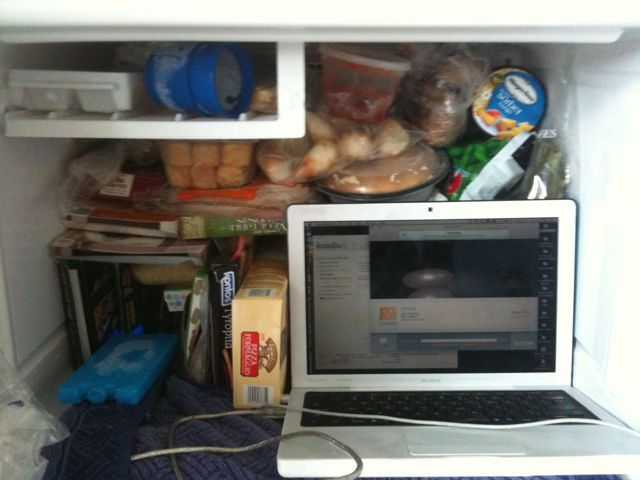
One way to revive a dead hard drive is to pull it out, stick in an external enclosure and freeze it. The first time I did this it was just the naked drive. After putting it in the enclosure, it still didn’t mount.
The 2nd time I kept it in the enclosure, sealed in a freezer bag and left in the freezer overnight. The next day, the Windows paritition mounted, but the Mac parition didn’t. Though it could be seen by Disk Utility. A scan basically returned a corrupted unreadable drive.
I turned the drive on and off to see if jump starting it would help, but that only served to kill the drive again and render it unmountable – again.
It’s now the third go. I downloaded demo versions of Data Rescue 3, Boomerang and VirtualLab. Data Rescue couldn’t find any recoverable data on the quick scan. Currently deep scanning but considering it has only scanned block 25,537 of 584,843,264 – it may take a while.
Knowing that keeping the freezer door open is a terrible waste of energy, the laptop is now sitting on top of the fridge and connecting to the hard drive in the fridge via FireWire.
Hoping this will do the trick.
Lesson: back up at least once a week if not more. I last cloned my drive a few weeks ago and luckily have everything before then saved, but data recovery is still the pits.
